In the competitive landscape of 2026, simply "having a website" isn't enough for a D2C fashion brand. You’ve likely spent thousands on high-end photography and a sleek Shopify website design, but if the search engines can’t find you: or if they find the wrong pages: your revenue will plateau.
Shopify is a powerhouse for e-commerce, but it comes with specific SEO quirks that can hinder fashion brands if not managed correctly. Many founders fall into the trap of applying generic SEO advice to a niche that relies heavily on visual discovery, seasonal shifts, and complex product attributes.
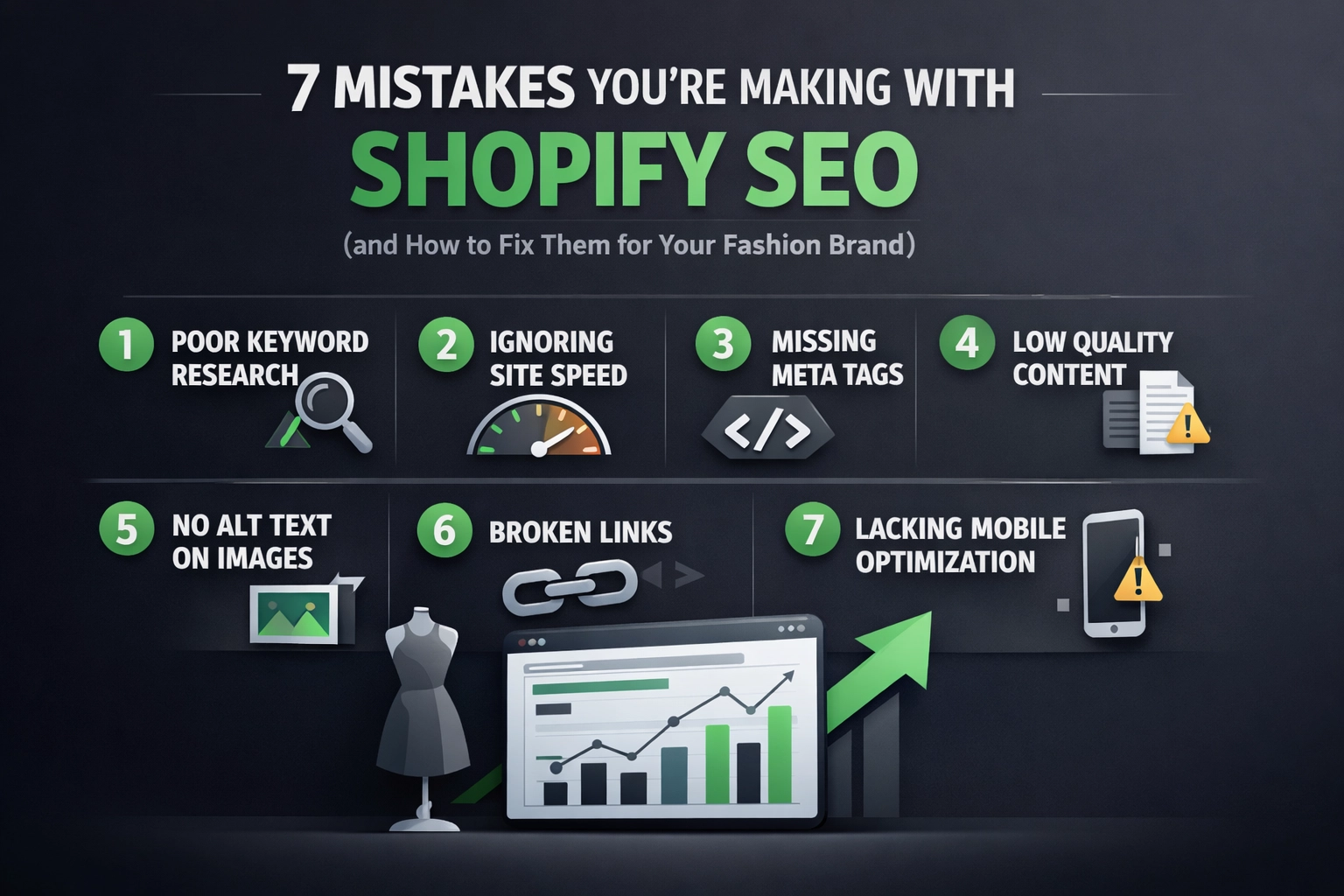
If you want to scale your brand and move away from over-reliance on paid ads, you need a system-based approach to organic growth. Here are the seven most common Shopify SEO mistakes we see at Thriftizer and exactly how to fix them.
1. Treating Fashion SEO Like a Standard Blog
The biggest mistake many fashion brands make is hiring a generic agency that focuses solely on "content marketing" and blog posts. In fashion, your customers aren't usually searching for long-form articles like "The History of the Cotton Shirt." They are searching for specific attributes: "oversized beige linen blazer," "high-waisted vintage denim," or "sustainable silk slip dress."
The Fix: Prioritize Merchandising and Taxonomy
Instead of pouring all your energy into a blog, focus on your faceted navigation and collection hierarchy. Your SEO strategy should mirror how people shop.
- Create Sub-collections: Instead of one giant "Dresses" category, create sub-collections for "Mini Dresses," "Midi Dresses," and "Floral Summer Dresses."
- Optimize for Attributes: Ensure your filters (color, size, material) are crawlable or have dedicated landing pages for high-volume search terms.
2. Neglecting the "Visual SEO" of Product Pages
Fashion is a visual industry. However, Google cannot "see" your images the way a human does. If your product pages consist of a single image with a filename like IMG_0045.jpg and a three-sentence description, you are invisible to search engines. Poor product page optimization is a silent revenue killer.
The Fix: Build High-Intent Product Pages
- Descriptive Alt Text: Use descriptive, keyword-rich alt text for every image. Instead of "Blue Shirt," use "Men’s Slim-Fit Cobalt Blue Button-Down Shirt."
- Benefit-Driven Descriptions: Write unique descriptions that mention fit, fabric weight, and styling tips. This helps with long-tail keyword rankings.
- Video Integration: In 2026, video is non-negotiable. Use Shopify’s native video support to show movement, which keeps users on the page longer: a positive signal for SEO.

3. The Seasonal "404" Massacre
Fashion is inherently seasonal. Many brands make the mistake of deleting collection pages or product URLs once a season ends or an item goes out of stock. When you delete a page that has built up "authority" or has backlinks, you lose all that SEO progress instantly.
The Fix: Maintain URL Stability
- Archiving vs. Deleting: Never delete a high-traffic collection page. If the "Summer 2025" collection is over, keep the URL and update the content to show "Coming Soon" or redirect users to the "New Arrivals" section.
- Handle Out-of-Stock Gracefully: For individual products, keep the page live but use "Back in Stock" notifications or "Recommended Alternatives" to keep the user engaged.
- Use 301 Redirects: If you must remove a page, always implement a 301 redirect to the most relevant parent category.
4. Wasting Crawl Budget on Filtered Tags
Shopify is notorious for creating duplicate content through its tagging system. When you use tags for filtering (e.g., /collections/all/red), Shopify creates a new URL. If search engines crawl thousands of these variations, they might miss your actual high-value product pages. This is known as "crawl budget" waste.
The Fix: Technical SEO Cleanup
- Canonical Tags: Ensure your theme correctly uses canonical tags to point all duplicate filtered pages back to the main collection URL.
- Robots.txt Customization: Use your
robots.txtfile to prevent Google from indexing unnecessary tag-filtered pages that offer no unique search value. - Sitemap Management: Regularly check your sitemap.xml to ensure only your primary, high-value pages are being submitted for indexing.

5. Overlooking Mobile Speed and Core Web Vitals
Fashion shoppers are mobile-first. If your site takes more than three seconds to load on a 4G connection, your bounce rate will skyrocket. Heavy, unoptimized high-res images and an excessive number of Shopify apps are the primary culprits for slow speeds.
The Fix: Performance Optimization
- Image Compression: Use modern formats like WebP. Shopify does some of this automatically, but you should still compress files before uploading.
- App Audit: Delete any Shopify apps you aren't actively using. Every app adds a script that can slow down your liquid files.
- Mobile-First Design: Ensure your Shopify website design uses a theme optimized for mobile interactions: large touch targets, easy-to-read fonts, and a streamlined checkout.
Pro Tip: Check your Google Search Console under "Core Web Vitals." If you see "Needs Improvement" or "Poor" ratings for LCP (Largest Contentful Paint), your SEO rankings are likely being suppressed.
6. Flying Blind with Broken Analytics
We frequently see Shopify stores where organic revenue is underreported or misattributed. If your GA4 (Google Analytics 4) isn't set up to track specific events like "Add to Cart" or "View Item" correctly, you can't tell which SEO efforts are actually driving sales.
The Fix: Audit Your Tracking
- Conversion Tracking: Ensure your Shopify-GA4 integration is seamless. Test your "Purchase" event to make sure the value is being passed through correctly.
- Search Console Integration: Connect Google Search Console to your analytics to see which specific keywords are driving clicks vs. conversions.
- Attribution Models: Understand that SEO is often the "Top of Funnel." A user might find you via organic search, leave, and then buy later via a retargeting ad.

7. Ignoring the Business Model Specifics
Generic SEO agencies often ignore the specific business model of a D2C fashion brand. Are you a high-volume streetwear brand or a luxury boutique? Your SEO strategy should reflect this. Luxury brands need to focus on brand-name authority and "lifestyle" keywords, while high-volume retailers need to master technical SEO and faceted navigation.
The Fix: Partner with Specialists
Don't settle for "generalist" SEO. You need a partner who understands the nuances of the apparel and beauty space. A specialized approach to Shopify SEO services ensures that your technical foundation supports your creative vision.
The Pros and Cons of Shopify SEO
| Pros | Cons |
|---|---|
| Built-in canonical tags and mobile optimization. | Limited control over URL structure (e.g., /products/ prefix). |
| Excellent app ecosystem for SEO automation. | Duplicate content issues with collection filters. |
| Fast global CDN for image delivery. | App bloat can significantly slow down page speeds. |
| Easy integration with Google Merchant Center. | Robots.txt was historically difficult to edit (though better now). |
Summary Checklist: Your Next Steps
To stop losing organic traffic and start scaling your fashion brand, follow this implementation roadmap:
- Audit Your Navigation: Create sub-collections for your most popular product attributes (e.g., "Cotton Loungewear").
- Clean Up Your Images: Add descriptive Alt-text to your top 20 best-selling products this week.
- Fix Broken Links: Use a tool like Screaming Frog to find 404 errors and implement 301 redirects to active collections.
- Optimize Speed: Run a PageSpeed Insights test and remove at least two unused Shopify apps.
- Review Technicals: Check your Shopify admin to ensure your
robots.txtisn't accidentally blocking your main product pages. - Seek Expert Advice: If you're hitting a wall, consult with a certified Shopify Expert to perform a deep-dive technical audit.
SEO isn't a "set it and forget it" task. It's a continuous process of refinement. Start small, stay creative, and remember that every technical fix you make is a step toward a more profitable, sustainable D2C brand. Never ever think of giving up on organic traffic: it's the only channel that keeps working for you while you sleep.
At Thriftizer, we specialize in helping D2C brands navigate these complexities. Whether you need a complete Shopify website design overhaul or targeted Shopify SEO services, our team is here to act as your growth co-pilot. Let’s build something iconic together.