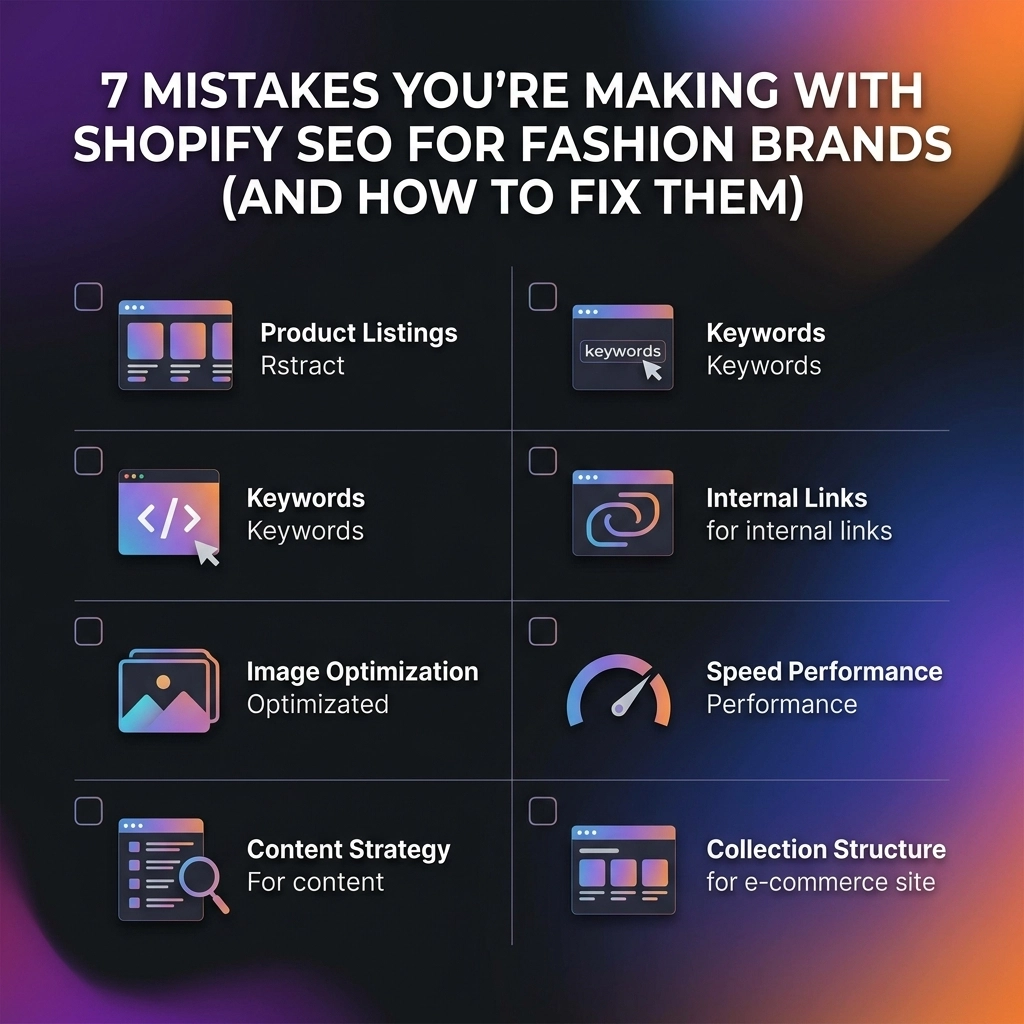
Scaling a fashion brand on Shopify in 2026 isn't just about having high-quality lifestyle photography and a "cool" aesthetic. While visuals catch the eye, SEO is what puts your brand in front of eyes that are actually ready to buy. Most D2C apparel founders focus so heavily on Instagram and TikTok that their organic search strategy becomes an afterthought: a collection of "ghost town" pages that Google doesn't know how to rank.
If you feel like your store is buried on page five while competitors with inferior products are dominating the SERPs (Search Engine Results Pages), you’re likely making one of these common mistakes. This guide breaks down the technical and creative hurdles specifically facing the fashion, beauty, and jewelry niches, providing you with a system-based framework to reclaim your traffic.
1. The "Ghost Town" Collection Page
In the world of fashion, "minimalist" is a trend, but in the world of SEO, "minimalist" is often synonymous with "invisible." Many fashion brands treat their collection pages as purely functional grids: just a title like "Summer Dresses" followed by 40 product photos.
The Problem: Google’s crawlers are text-hungry. If a page has no written content, search engines have a hard time understanding the context, relevance, and intent of that page. You are missing out on ranking for high-volume, high-intent keywords like "sustainable summer midi dresses" or "linen apparel for beach weddings."
How to Fix It:
- Add "SEO Blurbs": Write 100-150 words of descriptive copy. If you’re worried about ruining your Shopify website design, place a short 2-sentence intro at the top and move the bulk of the copy to the bottom of the page.
- Use Hierarchical Headers: Ensure your collection title is an H1 and use H2s for sub-categories or styling tips within the text.
- Target Long-Tail Keywords: Instead of just "Activewear," try "High-performance compression leggings for marathon running."
Key Insight: Treat your collection page like a landing page. It should tell a story, provide value, and answer the customer’s unspoken questions.

2. The "Ctrl+C, Ctrl+V" Product Description Syndrome
If you are selling curated brands or using manufacturer-provided descriptions, you are killing your rankings. Even for original designs, many founders fall into the trap of writing one sentence about the fabric and calling it a day.
The Problem: Duplicate content is a major red flag for search engines. Furthermore, generic descriptions offer zero brand value. If your "Black Silk Shirt" description looks exactly like your competitor's, why should Google prioritize yours?
How to Fix It:
- Write for Humans First: Describe how the fabric feels, the fit (true to size?), and how to style it.
- Infuse Brand Voice: Use your unique tone: whether it's edgy streetwear or luxury elegance: to stand out.
- Leverage Structured Data: Use Shopify's built-in fields for material, size, and color so Google can display your products as "Rich Snippets."
Pro Tip: Start with your top 10 best-sellers. Rewrite those descriptions today to be 300+ words of unique, compelling copy. The ROI on those few hours of work is immense.
3. The Index Bloat Nightmare (Filters & Variants)
Shopify is notorious for creating "junk" URLs. Every time a customer filters by "Size: XL" or "Color: Navy," Shopify generates a new URL.
The Problem: Without proper management, Google might index thousands of these filter combinations. This creates "thin content" pages that compete with your main collection pages, leading to a massive waste of your "crawl budget."
How to Fix It:
- Use Canonical Tags: Ensure every variant or filtered page points back to the primary "clean" URL.
- Edit Your Robots.txt: Block search engines from crawling URL parameters like
?filter_sizeor?sort_by. - Audit Google Search Console: Check the "Indexing" report regularly to see if "Indexed, not submitted in sitemap" pages are skyrocketing.
4. Disconnected Fashion Ecosystems (Poor Internal Linking)
Think of your website as a map. If there are no roads connecting your "Denim" section to your "White Tees" section, Google’s crawler (and your customers) will get lost.
The Problem: Most fashion stores have a "flat" structure. They link to collections from the menu, but the products and pages don't talk to each other. Internal linking is the secret sauce for distributing "ranking power" across your site.
How to Fix It:
- "Complete the Look" Sections: Don’t just use these for CRO; ensure they are crawlable links that lead to related products.
- Contextual Links in Copy: In your collection blurbs, link to related categories. For example: "Pair our vegan leather boots with our latest autumn trench coats."
- Breadcrumbs: Enable breadcrumb navigation (Home > Women > Outerwear > Blazers) to give search engines a clear path to follow.
Key Insight: Internal links aren't just for navigation; they signal to Google which pages are the most important.

5. Content Cannibalization Between Similar Collections
Do you have a page for "Mini Dresses," another for "Short Dresses," and a third for "Cocktail Dresses"?
The Problem: If these pages all feature the same products and similar generic text, Google won't know which one to rank. You end up with three pages on page three instead of one page at the top of page one.
How to Fix It:
- Consolidate or Differentiate: If the intent is the same, merge the pages. If not, write distinct copy that highlights the specific use case for each.
- Unique FAQs: Add a small FAQ section to each collection using schema markup. For "Cocktail Dresses," answer questions about dress codes; for "Mini Dresses," answer questions about length and fit.
6. The "Heavy Runway" (Speed vs. Style)
Fashion is visual. You want 4K videos and massive, uncompressed lookbook images. However, page speed is a confirmed ranking factor.
The Problem: A slow-loading site leads to high bounce rates. If your site takes more than 3 seconds to load on a mobile device, you are losing 50% of your potential traffic before they even see your products.
How to Fix It:
- Image Compression: Use tools or Shopify apps to compress images without losing quality. WebP is the gold standard for 2026.
- App Audit: Delete unused Shopify apps. Each app usually adds a script that slows down your "Time to Interactive."
- Optimize for Mobile: Most fashion shopping happens on phones. If your Shopify website design isn't optimized for "thumb-scrolling" and speed, your SEO will suffer.

7. Ignoring the "Intent" Behind the Search
Many brands target broad keywords like "Clothing" or "Shoes."
The Problem: These keywords are too competitive and too vague. A person searching for "Shoes" might be looking for sneakers, heels, or a history of footwear. You want users who are looking for exactly what you sell.
How to Fix It:
- Focus on Discovery & Intent: Target "Informational" keywords through a blog (e.g., "How to style a capsule wardrobe for 2026") and "Transactional" keywords on product pages (e.g., "Handmade gold vermeil hoop earrings").
- Use the Right Tools: Utilize professional Shopify SEO services or keyword research tools to find high-opportunity gaps in your niche.
Pros and Cons of DIY Shopify SEO
| Pros | Cons |
|---|---|
| No direct cost (other than your time). | High learning curve: SEO changes fast. |
| Complete control over your brand voice. | Time-consuming; takes away from design/production. |
| Direct insight into customer search behavior. | Technical errors can be hard to spot without tools. |
Next Steps: Your 48-Hour SEO Sprint
Don’t let "analysis paralysis" stop you. Start small, stay creative, and follow this checklist to see immediate improvements:
- Identify your top 5 collections: Write 150 words of unique copy for each.
- Compress your hero images: Ensure your homepage isn't a 10MB weight on your site speed.
- Audit your titles: Change "Product – Brand" to "Keyword – Product – Brand" (e.g., "High-Waisted Yoga Pants – The Aura Legging – BrandName").
- Set up internal links: Link at least 3 products in every blog post you write.
- Check for broken links: Use a free tool to find 404 errors and redirect them to active collections.
If managing the technical complexities of SEO feels like it's taking too much focus away from your creative vision, consider partnering with experts. As a verified partner in the Shopify Expert Directory, Thriftizer helps D2C fashion brands turn their stores into high-performance search engines.
Never ever think of giving up. SEO is a compounding asset. The work you do today to fix these seven mistakes will pay dividends for years to come as your brand grows and scales. Start today, and let your brand be the one that finally claims that #1 spot.