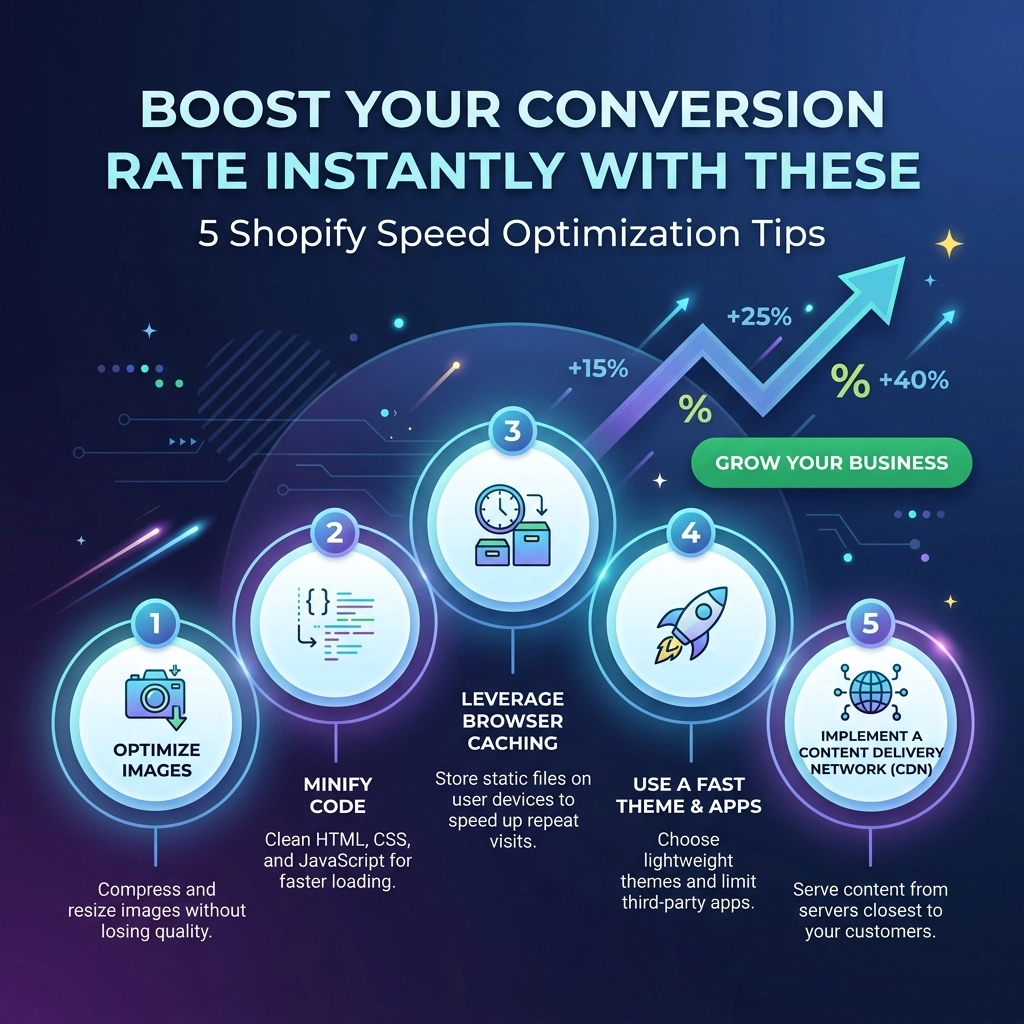
In the high-stakes world of D2C fashion and streetwear, your website’s loading speed is no longer a "technical detail": it is your digital storefront’s pulse. As we move through 2026, the threshold for consumer patience has dropped to an all-time low. If your Shopify store takes more than three seconds to load, you aren't just losing a visitor; you are literally handing your revenue to a competitor.
Think about it: you spend thousands on high-quality photography for your jewelry line or streetwear drop, only for the page to lag so hard that the customer bounces before the first image even renders. Shopify speed optimization isn't just about passing a Google lighthouse test; it's about maximizing your return on ad spend (ROAS) and ensuring your conversion rate reflects the quality of your products.
At Thriftizer, we’ve seen that stores loading under two seconds convert 2.5x better than those dragging at five seconds. Here is how you can overhaul your performance today.
1. Radical Image Optimization for High-Growth Brands
For fashion and beauty brands, visuals are everything. You need high-resolution zoom capabilities to show off fabric textures or jewelry intricate details. However, unoptimized images are the #1 cause of "bloated" Shopify stores.
In 2026, simply "saving for web" isn't enough. You need a layered approach to image delivery.
The Action Plan:
- Adopt WebP and AVIF Formats: While Shopify does some of this automatically, ensuring your source files are optimized before upload reduces the server's workload.
- Implement "True" Lazy Loading: Don’t load the footer images when the user is still looking at the hero banner. Use browser-native lazy loading to prioritize what’s "above the fold."
- Set Explicit Dimensions: Always define the height and width of your images in the liquid code. This prevents "Layout Shift": that annoying jumpy behavior where elements move around as images load: which is a major factor in Google’s Core Web Vitals.
Pro Tip: For your "Hero" section, avoid sliders. Data shows that static hero images with a single, powerful CTA convert significantly higher and load up to 40% faster than multi-slide carousels.

2. Conduct a Brutal "App Audit" and Script Cleanup
It’s easy to get "App Fever." You see a shiny new upsell tool, a loyalty program pop-up, or a social proof bubble, and you click install. But here is the catch: every app adds a snippet of JavaScript to your store. Even after you uninstall an app, "ghost code" often lingers in your theme files, dragging down your speed.
The Action Plan:
- Identify the Heavies: Use tools like PageSpeed Insights to see which third-party scripts are taking the longest to execute.
- Consolidate Functionality: If you have three different apps for "Product Reviews," "Upsells," and "Email Capture," check if one comprehensive Shopify development solution can handle all three.
- Hard-Code Where Possible: Instead of using an app to add a simple "Free Shipping" bar, ask a Shopify agency to hard-code it into your theme. Custom development is always faster than a third-party app script.
Key Insight: Never ever think of giving up on a feature just for speed: instead, find a more efficient way to build it. Modern Shopify development allows for high functionality without the heavy lifting of poorly optimized apps.
3. Prioritize "Mobile-First" Architecture
In the streetwear and beauty niches, over 80% of your traffic likely comes from mobile devices. If your store is optimized for desktop but "heavy" on mobile, you are failing the majority of your audience. Mobile processors and 4G/5G connections handle data differently than fiber-optic desktops.
Challenges with Mobile Performance:
- JavaScript Execution: Mobile phones take longer to "parse" and execute heavy scripts.
- Network Latency: Images that look great on a 27-inch monitor are overkill for a 6-inch phone screen.
The Action Plan:
- Use Responsive Images: Use the
srcsetattribute in your Shopify liquid files. This tells the browser to only download the image size that fits the user's screen. - Minimize CSS: Only load the styles needed for the specific page. High-growth fashion brands often have massive CSS files because of complex design layouts. Breaking these down can shave milliseconds off your load time.

4. Leverage Shopify Plus Features and OS 2.0
If you are a high-growth brand and haven't migrated to Shopify's Online Store 2.0 (OS 2.0), you are essentially driving a sports car with a clogged engine. OS 2.0 was designed with performance as a core pillar.
Why OS 2.0 and Shopify Plus Matter:
- Sections on Every Page: This allows for more modular, cleaner code.
- App Blocks: This technology allows apps to load more predictably without breaking your site’s liquid structure.
- Checkout Extensibility: For Shopify Plus users, moving to Checkout Extensibility isn't just about branding: it’s about a lightning-fast, purpose-built checkout experience that doesn't lag during high-traffic drops.
Pro Tip: If you're doing major volume, consider custom Shopify development to build a "headless" or highly optimized frontend. This separates your display layer from the backend, offering unrivaled speed.
5. Clean Up Your Liquid Code and Fonts
Generic themes are built to cater to everyone, which means they are packed with "just-in-case" code that you probably don't need. Redundant loops in your Liquid code can cause server-side delays that frustrate shoppers.
The Action Plan:
- Limit System Fonts: Every custom font you load is an extra "request" to a server. Stick to two custom brand fonts at most, and use system fonts (like Arial or Helvetica) for body text to speed up rendering.
- Minify Everything: Ensure your CSS and JavaScript files are minified: this removes all the white space and comments that humans need to read code but computers don't.
- Clean Your Liquid: Audit your
theme.liquidfile. If there are snippets from apps you deleted in 2024, get them out of there!

Balancing Speed vs. Experience: The Pros and Cons
Optimizing for speed is a game of trade-offs. You want a site that feels like a premium luxury experience, but you don't want it to load like a 1990s dial-up page.
| Feature | Pro for Speed | Con for Experience |
|---|---|---|
| System Fonts | Instant loading, no layout shift. | Might not perfectly match niche branding. |
| Removing Apps | Massive reduction in script lag. | Lose specific "out-of-the-box" features. |
| Static Hero | Dramatic increase in LCP (Largest Contentful Paint). | Can't showcase 5 products at once on the home page. |
| Lazy Loading | Faster initial page load. | Users might see a brief "pop" as they scroll fast. |
The Verdict: Speed usually wins. A beautiful site that no one sees because they bounced is a waste of your creative talent.
Next Steps: Your 2026 Optimization Checklist
Don't try to do everything at once. Start small, stay creative, and focus on the high-impact areas first.
- Run a Baseline Test: Use PageSpeed Insights or GTMetrix to see where you stand today.
- The Great App Purge: Uninstall any app that hasn't made you money in the last 30 days.
- Optimize Your Top 5 Landing Pages: Focus on your Home, Collection, and top 3 Product pages.
- Audit Your Images: Use a bulk compression tool or a Shopify-specific optimization app.
- Consult the Experts: If the technical side feels overwhelming, reach out to a professional Shopify agency.
At Thriftizer, we specialize in helping D2C brands scale by removing the technical friction that kills conversions. Whether you need a complete theme overhaul or surgical Shopify development to fix specific bottlenecks, we've got you covered.
Ready to turn your Shopify store into a high-performance sales machine?
Check out our Shopify Expert profile or visit us at Thriftizer.com to start your optimization journey today.

Final Thought
Your website speed is a reflection of your brand's respect for the customer's time. In 2026, efficiency is the ultimate luxury. Start optimizing today, and watch your conversion rates: and your customer satisfaction: climb.