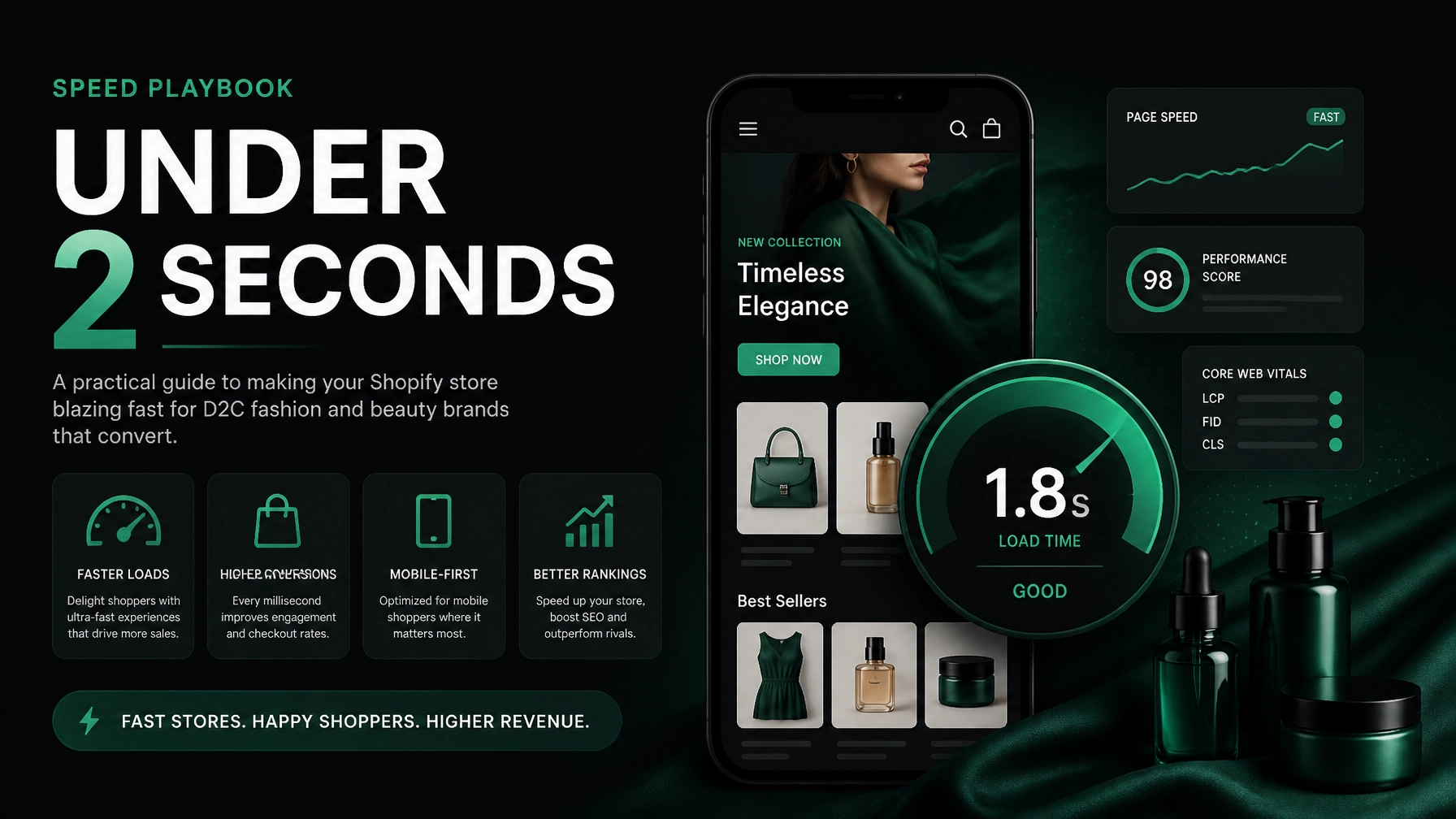
A slow Shopify store quietly taxes every campaign, product launch, and organic visit. Shopify speed optimization helps you turn more of the traffic you already have into customers: without immediately increasing your ad spend.
For D2C fashion, beauty, jewelry, and streetwear brands, the stakes are even higher. Mobile shoppers browse between tasks, compare products quickly, and expect visual content to appear instantly. A delayed product page can mean a lost sale before a customer sees your fabric details, shade options, size guide, or reviews.
Google recommends keeping Largest Contentful Paint (LCP) at 2.5 seconds or less, Interaction to Next Paint (INP) at 200 milliseconds or less, and Cumulative Layout Shift (CLS) below 0.1. These are measured at the 75th percentile of real user visits, not only under perfect testing conditions. Google’s Core Web Vitals documentation explains the official thresholds.
Your practical goal should be more ambitious: target roughly two seconds for key mobile pages, while using Core Web Vitals as your quality baseline.
Research from Google and Deloitte found that a 0.1-second improvement in mobile load time increased retail conversions by approximately 8.4% in the study sample. Portent’s ecommerce research also shows that pages loading in under two seconds tend to outperform slower pages significantly. The exact lift will depend on your category, traffic quality, average order value, and starting point: but the direction is clear.
Use this five-step playbook to improve speed without damaging the shopping experience.
Why Shopify Speed Optimization Matters for Fashion and Beauty Brands
Speed is not just a technical score. It affects:
- Paid traffic efficiency: More visitors reach product pages and checkout.
- Mobile conversion rate: Faster interactions reduce frustration and hesitation.
- SEO performance: Core Web Vitals contribute to the broader page experience.
- Product discovery: Customers can browse more collections before abandoning.
- Launch performance: New drops and campaign traffic are less likely to overwhelm the experience.
- Customer trust: A responsive store feels more reliable and professional.
A premium skincare landing page can have beautiful photography, animation, shade selectors, reviews, and educational content. But every asset adds weight. The objective is not to remove your brand experience. It is to deliver the experience in the right order, at the right size, on the right device.
Pro Tip: Never optimize only for a desktop Lighthouse score. Test your homepage, collection page, product page, cart, and campaign landing pages on mobile using both lab tools and real-user data.
The 5-Step Shopify Speed Optimization Playbook
Step 1: Establish a Mobile Performance Baseline
Do not begin by uninstalling apps at random. First, identify where the delay occurs and which pages matter most commercially.
Record these metrics for your top templates:
- LCP: How quickly the main visible content appears.
- INP: How quickly the page responds to taps and clicks.
- CLS: Whether content shifts while the page loads.
- Total page weight.
- Number of requests.
- Time to first byte.
- Conversion rate by device.
- Add-to-cart rate and checkout initiation rate.
Use Shopify’s web performance reports, Google PageSpeed Insights, and Search Console’s Core Web Vitals report. Compare performance across:
- Homepage.
- Top collection page.
- Best-selling product page.
- Highest-spend ad landing page.
- Cart and pre-checkout experience.

Create a simple baseline table:
| Page type | Current mobile LCP | Conversion importance | Priority |
|---|---|---|---|
| Best-selling product page | 4.1s | Very high | Immediate |
| Paid landing page | 3.6s | Very high | Immediate |
| Collection page | 3.2s | High | High |
| Homepage | 2.8s | Medium | Medium |
| Cart | 2.4s | Very high | High |
Key Insight: The fastest homepage in your category will not compensate for a slow product page. Optimize based on revenue impact, not vanity metrics.
Step 2: Reduce Image Weight Without Reducing Visual Quality
Fashion and beauty stores often depend on photography. That makes image optimization one of the highest-impact opportunities.
Start with the first viewport. Your hero image and primary product image should load quickly because they often determine LCP.
Take these actions:
- Convert suitable images to WebP or AVIF.
- Resize images to the largest display size actually required.
- Avoid uploading a 4,000-pixel image for a 400-pixel card.
- Use responsive image sizes for mobile and desktop.
- Lazy-load images below the fold.
- Avoid lazy-loading the primary above-the-fold image.
- Compress product galleries while retaining texture, color, and detail.
- Replace decorative background videos with lightweight motion where possible.
- Specify image dimensions to reduce layout shifts.
For a jewelry brand, retain enough detail for customers to inspect finish and craftsmanship. For a cosmetics brand, preserve accurate shade presentation. Compression should support confidence: not make products look cheap.
Pro Tip: Treat every image as part of your sales funnel. Keep high-resolution assets where they help customers decide, and aggressively optimize images that only decorate the page.
Step 3: Audit Apps, Pixels, and Third-Party Scripts
Apps are useful co-pilots. They add reviews, subscriptions, bundles, personalization, analytics, and merchandising features. However, many apps inject scripts across every page: even when their functionality is needed in only one place.
List every installed app and classify it:
- Revenue-critical.
- Conversion-supporting.
- Operational.
- Marketing and analytics.
- Rarely used.
- Duplicate or replaceable.
Then check:
- Does the app load on every page?
- Does it block rendering?
- Does it add JavaScript before the customer can interact?
- Does another app already perform the same job?
- Can it load only on product, cart, or post-purchase pages?
- Is the feature worth the performance cost?
Do not remove tools solely because they add code. Measure their commercial value first.

App decision matrix
| App or script type | Keep, defer, replace, or remove? | Recommended action |
|---|---|---|
| Reviews on product pages | Keep | Load only where reviews appear |
| Chat widget | Defer | Load after initial interaction or delay |
| Retargeting pixel | Keep | Load responsibly and validate tracking |
| Duplicate pop-up tools | Remove | Consolidate into one system |
| Heatmap tool | Test | Run during defined research periods |
| Unused upsell app | Remove | Export data before uninstalling |
| Heavy animation library | Replace | Use lightweight CSS or native effects |
Challenge: Third-party scripts can create tracking conflicts when removed. Document every change, test events, and confirm that purchases, add-to-cart actions, and campaign attribution still work.
Step 4: Streamline Theme Code and Above-the-Fold Rendering
Your theme controls how quickly the storefront becomes usable. A visually rich theme can still perform well, but unnecessary code creates friction.
Review:
- Unused sections and snippets.
- Duplicate CSS.
- Redundant JavaScript libraries.
- Render-blocking assets.
- Excessive animation.
- Large font files and unnecessary font weights.
- Hidden mobile content that still loads.
- Sliders with multiple heavy slides.
- Custom code from previous developers.
- Scripts loaded globally instead of conditionally.
Prioritize the first viewport:
- Render the header and primary message.
- Load the main product or collection image.
- Make navigation and the primary action usable.
- Defer reviews, recommendations, chat, and nonessential animations.
- Load below-the-fold sections as the visitor approaches them.
For a streetwear launch, this may mean loading the product image, price, size selector, and add-to-cart action before secondary editorial modules. For a beauty product, prioritize the product visual, shade selection, key benefits, and purchase controls.
Key Insight: Speed is a feature, not a compromise. A page that becomes useful quickly can still feel premium while the rest of the experience loads progressively.
Step 5: Measure, Validate, and Protect the Gain
Optimization is not complete when a score improves once. It is complete when your customers experience a faster store consistently.
Set a 30-day monitoring routine:
- Check Core Web Vitals weekly.
- Review Shopify analytics by mobile and desktop.
- Compare conversion rate before and after each major change.
- Watch add-to-cart and checkout initiation rates.
- Re-test after installing any new app.
- Review campaign landing pages before launches.
- Monitor visual quality, tracking, and accessibility.
- Keep a change log with dates and expected outcomes.
Use field data where possible. Lab tools are excellent for diagnosing issues, but real shoppers use different phones, networks, browsers, and locations.

Pros, Cons, and Practical Challenges
Pros
- Higher conversion potential from existing traffic.
- Better mobile shopping experience.
- Lower frustration during product discovery.
- Improved landing-page efficiency for paid campaigns.
- Stronger foundation for SEO and CRO.
- Faster launches and easier ongoing maintenance.
Cons and challenges
- Some performance work requires theme-development expertise.
- Removing apps can affect functionality or tracking.
- Image compression needs category-specific quality control.
- Results vary by traffic mix and customer intent.
- A faster page does not fix weak pricing, unclear delivery information, or poor product content.
- Core Web Vitals improvements may take time to appear in field data.
A faster store is not automatically a higher-converting store. Pair speed with clear sizing, accurate product information, transparent shipping, visible returns, and strong trust signals.
When Should You DIY and When Should You Get Help?
| Situation | Best approach |
|---|---|
| One oversized hero image | Optimize the asset yourself |
| Several unused apps | Audit and remove carefully |
| LCP above 4 seconds on key pages | Get a technical audit |
| CLS caused by theme sections | Review theme code and dimensions |
| INP above 200ms | Investigate JavaScript and third-party scripts |
| Tracking breaks after changes | Involve a developer before further edits |
| Store redesign or replatforming | Build performance into the project from day one |
Thriftizer follows a fast, practical model for brands that cannot wait through long agency cycles. We position ourselves as the Amazon of Shopify Services: structured, accessible, and agile, with specialists available for design, development, SEO, CRO, and growth.
Our 4-Hour Onboarding differentiator means you can move from initial request to a clear scope, priority list, and action plan quickly. Speed as a feature applies to the process as well as the storefront.
Technology and tools are co-pilots. They help you find problems faster. Human judgment still decides what to keep, what to remove, and what your customers need to buy with confidence.
Next Steps: Your 5-Step Implementation Checklist
Complete this checklist in order:
- Baseline your store: Record mobile LCP, INP, CLS, page weight, conversion rate, and add-to-cart rate for your five highest-value page types.
- Optimize priority media: Compress and resize above-the-fold images, use WebP or AVIF, and defer nonessential visual assets.
- Audit apps and scripts: Remove duplicates, defer noncritical tools, and confirm that tracking continues to work.
- Improve theme delivery: Reduce unused code, streamline fonts and animations, and prioritize the first viewport.
- Measure business impact: Monitor field data, mobile conversion, checkout progression, and page performance for at least 30 days.
Start small, stay creative, and make one measurable improvement at a time. Never ever think of giving up because performance is a continuous system: not a one-time score.
If you want an independent view of your store’s speed, SEO, and conversion leaks, request Thriftizer’s free Shopify audit. You can also explore Thriftizer’s Shopify services or review our verified Shopify Expert profile.