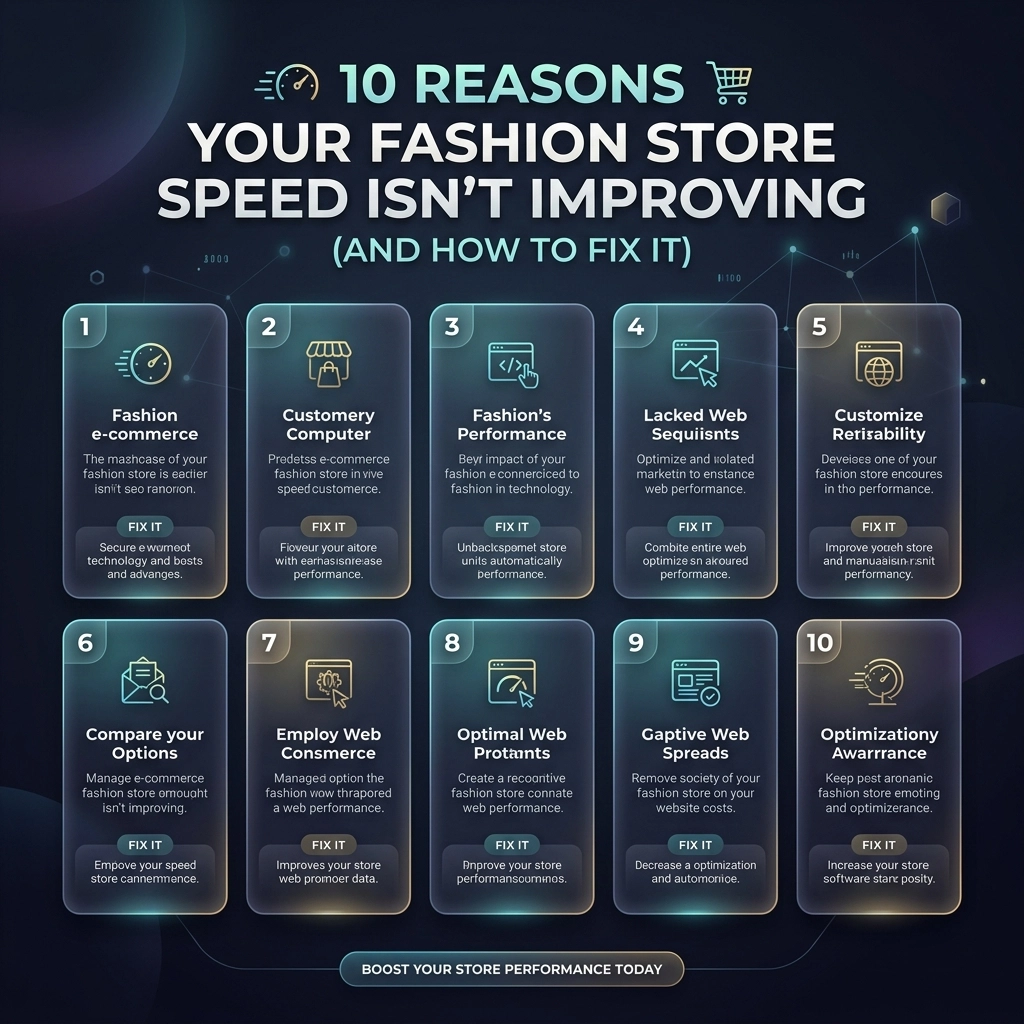
You’ve spent thousands on high-end photography, hired the best influencers, and perfected your collection. Yet, your conversion rate is flatlining. Why? Because in 2026, a slow website is the fastest way to lose a customer. For high-growth fashion brands, speed isn't just a technical metric: it is your most important user experience (UX) feature.
If you’ve tried "speed optimization" before and seen the needle barely move, you’re likely treating the symptoms instead of the disease. Most Shopify store owners focus on surface-level fixes while ignoring the structural bottlenecks that keep their stores sluggish.
At Thriftizer, we’ve seen it all. From bloated Shopify Plus themes to third-party script nightmares, we know what actually moves the needle. Here are 10 reasons your fashion store speed isn't improving and the exact steps to fix it.
1. High-Resolution "Image Overload"
Fashion is visual. You want your customers to see every stitch and texture. However, uploading 5MB raw files directly to your product pages is a recipe for disaster. Images often account for over 50% of a page's total weight.
The Fix:
- Use Next-Gen Formats: Convert your images to WebP or AVIF. These provide high quality at a fraction of the file size.
- Implement Lazy Loading: Ensure images below the fold only load when the user scrolls to them.
- Proper Sizing: Don't let your browser scale a 4000px image down to 400px. Use Shopify’s built-in image filters to serve the correct size for the device.

2. The "App Hoarding" Syndrome
Every time you add a "Frequently Bought Together" or a "Spin to Win" app, you're adding weight to your site. Many apps inject external JavaScript that blocks the main thread, meaning your site stops rendering while it waits for a discount popup to load.
The Fix:
- Audit Your Apps: If you haven't looked at an app's analytics in 30 days, delete it.
- Custom Development: Instead of using five different apps for simple features, hire a Shopify agency to build those features directly into your theme code.
- Check for Ghost Code: Deleting an app doesn't always remove its code. Manually check your
theme.liquidand snippets for leftover scripts.
3. Unmanaged Third-Party Scripts
You need your Meta pixel, Google Analytics, Pinterest tag, and TikTok pixel. But if they all fire the moment a user lands on your home page, your site speed will tank. Third-party scripts are notorious for delaying "Time to Interactive."
The Fix:
- Load Asynchronously: Ensure all non-essential scripts are set to load
asyncordefer. - Use Google Tag Manager (GTM): Centralize your scripts. This allows you to control exactly when and how they fire.
- Delay Chat Widgets: Customer support bots don't need to load in the first 0.5 seconds. Set a delay so they appear after the main content is visible.
4. Bloated Shopify Themes
Not all themes are created equal. Many "Premium" themes sold on third-party marketplaces are packed with features you’ll never use, which means they’re also packed with CSS and JS you don’t need.
The Fix:
- Theme Upgrade: If you're on an old architecture, migrate to Online Store 2.0. It’s cleaner, faster, and built for performance.
- Code Splitting: Break your CSS and JS into smaller chunks that only load on the pages where they are needed.
- Minification: Ensure your CSS and JavaScript files are minified to remove unnecessary spaces and comments.
Key Insight: Never settle for a "fast enough" theme. For fashion brands, every millisecond saved equals thousands in recovered revenue.
5. Ignoring Mobile-First Performance
Over 70% of fashion e-commerce traffic comes from mobile. If you are only checking your speed on a high-speed fiber connection on your desktop, you are seeing a lie. Your customers are on 4G connections in coffee shops.
The Fix:
- Throttle Your Testing: Use Chrome DevTools to test your site on a "Mid-tier Mobile" setting.
- Prioritize the "LCP": Largest Contentful Paint (usually your hero banner) must load instantly on mobile.
- Simplify Navigation: Massive "Mega Menus" can be heavy. Streamline them for mobile users to reduce DOM size.

6. Lack of a Robust CDN Strategy
While Shopify has a built-in Content Delivery Network (CDN), many fashion stores break its effectiveness by using external hosting for certain assets or video files. If your assets are sitting on a single server in North America, your European customers will suffer.
The Fix:
- Leverage Shopify’s CDN: Keep as much as possible within the Shopify ecosystem.
- Optimize Video Content: Never upload videos directly to Shopify if they are huge. Use specialized video hosting or highly compressed MP4s with no audio for hero backgrounds.
- Prefetch and Preconnect: Tell the browser to start connecting to your CDN or key third-party domains before the user even clicks a link.
7. Excessive DOM Complexity
When your theme has too many nested <div> tags and elements, the browser has to work harder to render the page. This is common in "drag-and-drop" page builders that prioritize ease of use over clean code.
The Fix:
- Clean Up Your Layout: Avoid deep nesting of elements.
- Avoid Heavy Page Builders: If possible, stick to native Shopify sections. If you need custom layouts, look into Shopify development that utilizes clean Liquid and CSS.
- Limit Product Grid Items: Don't load 100 products on a single collection page. Use pagination or "Load More" buttons.
8. Unused CSS and JavaScript
Over time, as you change designs and swap apps, "dead code" accumulates. Your site ends up loading instructions for features that don't even exist anymore.
The Fix:
- Coverage Tab: Use the Chrome DevTools "Coverage" tab to see exactly what percentage of your CSS/JS is actually being used on a page.
- Refactor Styles: Combine repetitive CSS rules.
- Remove Old Libraries: Many themes still load outdated libraries like jQuery when modern JavaScript can handle the same tasks more efficiently.

9. Not Utilizing Shopify Plus Features
If you are a high-growth brand on Shopify Plus, you have access to tools that standard plans don't. Not using them is leaving performance on the table.
The Fix:
- Custom Checkout: Optimize your checkout liquid for speed.
- Multipass and Scripts: Use Shopify Scripts to handle complex logic on the server side rather than using heavy client-side JavaScript.
- Headless Commerce: For the ultimate speed, consider a headless build using Shopify Oxygen and Hydrogen. This separates your front-end from the back-end for lightning-fast loads.
10. The "Set It and Forget It" Mentality
Speed optimization is not a one-time project. It’s a continuous process. Every time you add a new collection, a new tracking pixel, or a new landing page, you risk slowing down your store.
The Fix:
- Regular Audits: Perform a deep technical audit every quarter.
- Performance Budgets: Set a "budget" (e.g., "Our home page must always be under 3MB") and stick to it.
- Monitor Core Web Vitals: Use Google Search Console to keep an eye on your real-world user data.
Challenges and Considerations
While the goal is always a 100/100 score on PageSpeed Insights, there are trade-offs to consider.
| Factor | Pros of High Speed | Potential Challenges |
|---|---|---|
| Minimalist Design | Near-instant load times, high conversion. | Might feel "too simple" for high-fashion branding. |
| No Third-Party Apps | Clean code, no script blocking. | Missing out on marketing tools like reviews or loyalty programs. |
| Aggressive Caching | Fast repeat visits. | Updates to the site might take a few minutes to show for all users. |
The Balance: Your goal isn't just a number; it's a balance between a stunning visual experience and a high-performance machine. Don't sacrifice your brand's soul for a speed score, but don't let your brand's soul stay hidden behind a loading spinner.
Pro Tip: Focus on "Perceived Speed"
Sometimes, technical speed is hard to move. In those cases, focus on perceived speed. Use skeleton screens (shimmering placeholders) so users feel like the content is loading immediately. A user who sees progress is much less likely to bounce than a user staring at a white screen.

Next Steps to Supercharge Your Store
Ready to stop losing sales to a slow site? Follow this checklist to get started:
- Baseline Test: Run your site through Google PageSpeed Insights and WebPageTest.org. Record your scores.
- The App Purge: Delete every app you haven't used in the last month.
- Image Overhaul: Use a tool to bulk-compress your library and ensure you are serving WebP.
- Font Check: Use system fonts or preloaded WOFF2 files to prevent "flash of unstyled text."
- Hire the Experts: If the technical side feels overwhelming, partner with a dedicated Shopify agency.
- Continuous Monitoring: Check your Core Web Vitals in Google Search Console weekly.
Speed is the foundation of modern e-commerce. It affects your SEO, your ad costs (CPC), and your customer's trust. Start small, stay creative, and don't let technical debt hold your fashion brand back from its true potential.
If you're looking for a partner to handle the heavy lifting, check out our Shopify Expert profile to see how we’ve helped other brands scale through performance.
Never ever think of giving up on your site's performance: the rewards in conversion and customer loyalty are worth every bit of effort. Your fashion store deserves to be as fast as it is beautiful.